
LBC Tracking Not Updating
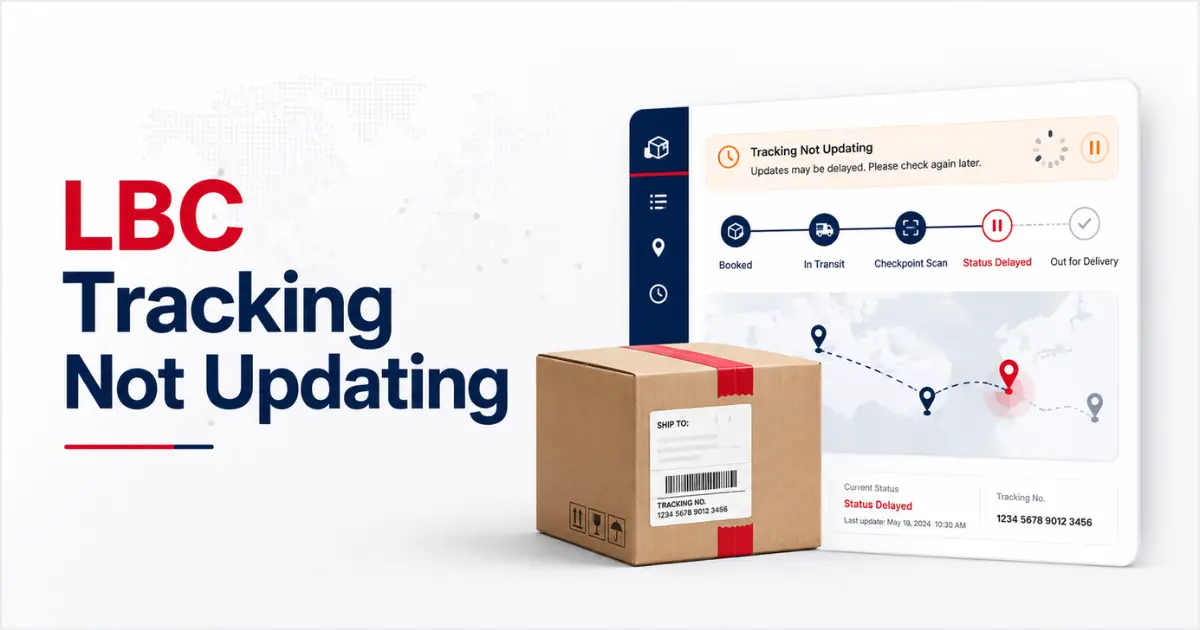
Is your LBC Tracking Not Updating? Don’t worry; we have got your back. LBC tracking usually takes time to update as your package goes through different scans and stages, especially in the Metro Manila facility where thousands of parcels get ready for shipment every day. But if your LBC tracking is not updating for several days and is stuck on the last update, then verifying the details and considering factors like delivery type, app maintenance, and customs blockage is a must.
There could be several causes behind it, from batch scanning and provincial scanning to peak season delays and other correlated slots that are all worth knowing before assuming your package is lost. And, to help you explore all about LBC Tracking Not Updating, we have come up with this guide. Here, you will get to know all about what it means, which factors contribute to it, and how to sort it out. And here we go!
Why is LBC Tracking Not Updating?
Are you curious to know about LBC Tracking Not Updating? Considering some key factors will help you better understand this frozen status error. It is the most common error that most of the users complain about. There are various factors that can contribute to it, and some of the key factors are covered below. Here is the breakdown of these factors:
Package is not yet Dropped
LBC cannot update the tracking for a package that is not even booked and dropped in LBC. In most cases, sellers book a shipment but do not drop the package; in such a case, the receivers can only see the “Shipment Booked” status and do not get an update. So, in such a case, contact the seller, not LBC.
Peak Seasons Delays
Peak seasons such as Christmas, 11.11 sales, and other Holy Weeks result in slowing everything down due to a huge rush of packages that is also a major and worth-considering factor behind frozen status.
Wrong Tracking Number
Tracking a package with a wrong tracking number can also result in the frozen status update, as LBC cannot provide an update on a package that does not exist.
Provincial Routes and System Maintenance
Provincial routes tend to extend the gap, with fewer scanning points that also contribute to the delay in LBC tracking updates. As an estimate, a gap of 24 to 48 hours is normal in provincial deliveries. Also, if the system is under maintenance, then it can also contribute to it.
Batch Scanning
There are 1000s of daily parcels that move from the main LBC’s main sorting hub in Metro Manila, resulting in batch scanning that remains a major factor behind Tracking Not Updating. In such cases, before immediately assuming that your package is lost, waiting for 12 to 24 hours is a must.
Custom Processing and Weather Disruptions
In international shipments via cargo, planes can go quiet for weeks without any status update, as expecting an update during the mid-journey is something out of the blue. Bad weather conditions also contribute to it.
When to Report ” LBC Tracking Not Updating “?
Not every delay in LBC Tracking update is worth considering, but some are meant to be flagged to LBC Express. Here is when you should reach out directly to LBC.
How to Solve LBC Tracking Not Updating Error?
If you are struggling to find the Tracking Not Updating solution, then the section below will be good to go for you. Here are the steps that you can follow to fix this issue.
Check Your Tracking Number
To begin with, check your 2-digit tracking number from the LBC physical receipt or email and SMS confirmation, and don’t mix it with the order number.
Enter the Correct Tracking Number
For real-time tracking details without a frozen update error, make sure to enter the correct tracking number without any dashes or spaces.
Verify Your Shipping Details
Your shipping details and the shipping method determine LBC Tracking update time. For example, cross-border shipments with air and sea freight prolong the LBC Tracking update. So, the update takes time.
Contact LBC Customer Support
If the tracking status is taking more than 24 hours for domestic shipments and 4 days for international shipment updates, then contacting LBC customer support is a must-try.
Check Again
After contacting the customer support service of LBC, wait for at least 12 hours and check your LBC tracking again.
Reporting LBC Tracking Not Updating
If you are unable to LBC Tracking update even after waiting for 24 to 48 hours, then contacting customer care will be a go-to option for you. For this, you can avail of the following services.
|
Channel |
Contact |
|---|---|
|
Metro Manila Hotline |
(02) 8858 – 5999 |
|
Facebook Messenger |
@lbcexpress |
|
|
|
|
Provincial Tool Free |
1800 – 10 – 8585999 |
Frequently Asked Questions
Final Verdict
Summing up, for users encountering the stalled tracking status error, our guide will be a solution. Here we have covered all the information related to the LBC Tracking Not Updating error. Everything you need to know is covered, from the common causes and solutions to all the correlated slots that can help you not only figure out why it is happening but also provide you with insight into when it is worth escalating. So, follow our guide and explore the exact logistics behind Tracking Not Updating before assuming something is wrong.
One Comment